



Crawl Budget Collapse: Why Google Ignores 50% of Your Pages

When Google Stops Crawling: The Crawl Budget Crisis
Your large website is suffering a silent death, and the culprit is crawl budget. While you pour resources into content creation, a staggering amount of it remains unseen by Google, leading to significant SEO losses. Understanding "The Invisible Killer Silently Destroying Your Large Website: What Is Crawl Budget And Why It Matters" is crucial; without addressing this fundamental issue, your valuable content could vanish into the void. In this article, we'll dissect the intricacies of crawl budget and provide actionable strategies to reclaim your site's visibility.
Crawl Budget Myths That Cost You Rankings
Nobody talks about what crawl budget actually is beyond the vague definition. It’s not just a number. It’s Google’s estimate of how many pages it can efficiently crawl on your site without overloading your server or wasting its own resources. Googlebot has a limited appetite for your site. It won’t gorge itself if the food is bad or hard to find. I tell my clients this: Google wants to be efficient, and if your site isn’t, you get less attention. Your goal isn’t just to have a crawl budget; it’s to optimize it. Focus on making every bot visit count. Don’t let your server logs tell a story of wasted visits.
Action: Understand that Google’s crawl budget is about efficiency, not just quantity.
Wasted Crawl Budget Bleeds Revenue Daily
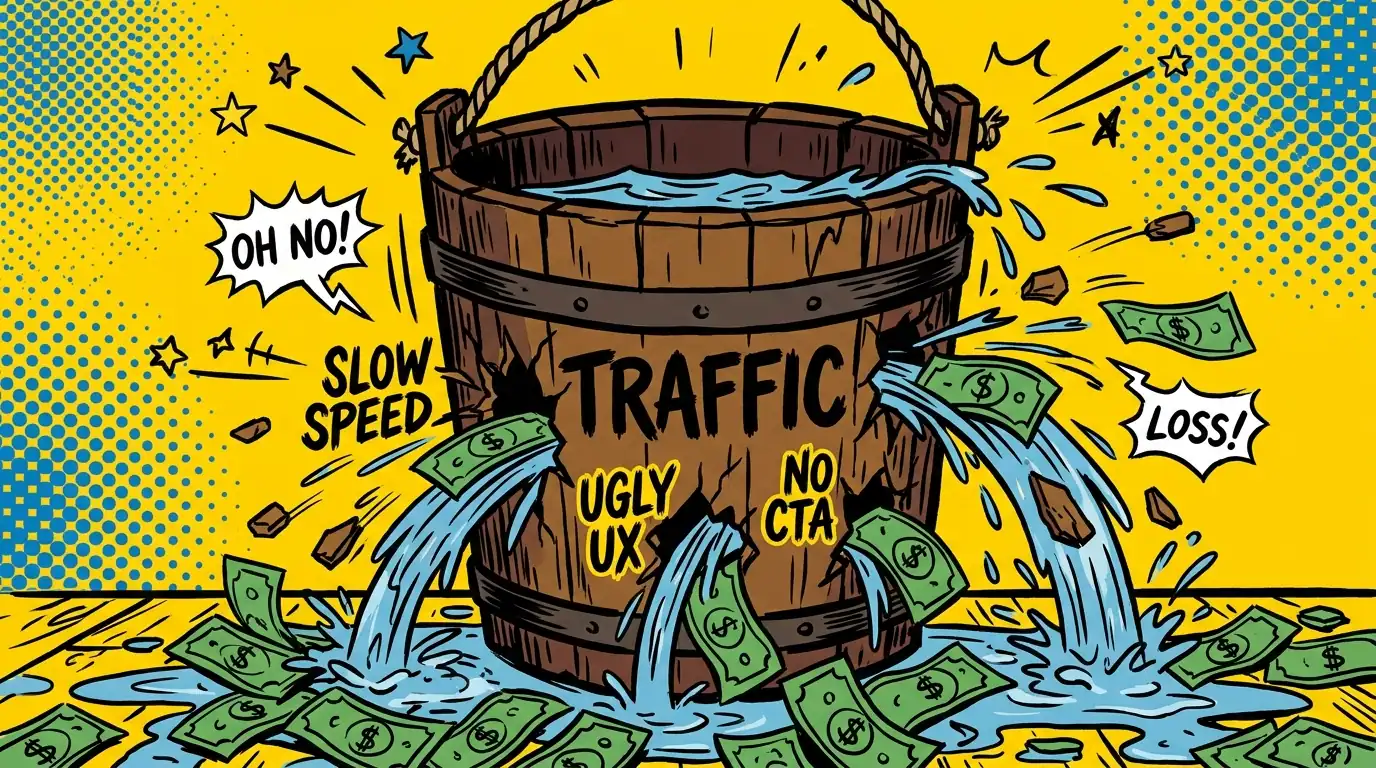
You’ve heard crawl budget affects indexing. That’s true, but it’s a massive understatement. If Googlebot wastes time on low-value pages, it won’t find your new, high-value content. That means your product launches, critical articles, or updated service pages won’t get indexed quickly, if at all. I’ve seen this delay revenue generation for months. It’s not just about rankings; it’s about Google knowing your site exists and what’s important on it. Every unindexed, valuable page is a missed opportunity for traffic and sales. This isn’t theoretical; it’s a direct hit to your bottom line.
Action: Quantify the potential revenue loss from pages not getting indexed or updated quickly.
Find Your Site’s Crawl Budget Black Holes
The truth is, most large websites are riddled with crawl budget leaks. Think about faceted navigation generating thousands of parameter URLs. Or internal search results pages. Or old, thin content that provides no value. These pages consume valuable crawl time without contributing to your SEO. I’ve seen sites where 80% of the crawl budget was spent on junk. You’re essentially paying Googlebot to look at things you don’t care about. This dilutes the signal for your truly important content. You need to identify where Googlebot is wasting its precious time on your site.
Action: Use a site crawler to identify all indexed pages that offer no SEO value or user benefit.
Weaponize Robots.txt Against Crawl Waste
Your `robots.txt` file is not just a suggestion; it’s a command center for Googlebot. Many businesses either block too much or not enough. I’ve seen developers accidentally block entire sections of a site that should be crawled. Conversely, I’ve seen sites allow crawling of staging environments or internal dashboards. You need to strategically tell Googlebot where not to go. This frees up budget for the pages that matter. Don’t just block; guide. This isn’t about hiding content from users, it’s about telling Googlebot what’s not worth its time. A well-crafted `robots.txt` file is your first line of defense against wasted crawls.
Action: Audit your `robots.txt` file to ensure it blocks only truly unnecessary sections, not valuable content.
Audit Your Content: Kill What Googlebot Shouldn’t Touch
More content does not mean more traffic. It often means more competition with yourself and more wasted crawl budget. I’ll be honest: you don’t need every page indexed. Many old blog posts, expired product pages, or outdated news articles actively hurt your site. They create a “thin content” problem and drain crawl resources. A smaller, higher-quality index is always better for SEO and crawl efficiency. Identify these low-value pages. Either update them, consolidate them, or `noindex` them. Don’t be sentimental. This is about making your site lean and efficient. Ruthless pruning is the only way forward for large sites.
Action: Identify and `noindex` or redirect all low-value pages with no traffic or conversion potential.
Internal Links: The Crawl Budget Navigation Map
Your internal linking structure is Googlebot’s map. If your map is messy, Googlebot gets lost or takes inefficient detours. Every internal link passes authority and directs crawl flow. I’ve seen sites where critical pages were buried deep, requiring too many clicks to reach. Conversely, I’ve seen sites with too many irrelevant links on a single page, diluting the signal. You must use internal links to direct bots to your highest-value content. Make sure your important pages are easily accessible and have strong, descriptive anchor text. This isn’t just for users; it’s for Googlebot’s efficiency. A clear internal link structure tells Google what to prioritize.
Action: Map your internal link structure to ensure important pages are well-linked and easily discoverable.
Sitemaps Aren’t Suggestions—They’re Crawl Commands
Many businesses treat XML sitemaps as a mere formality. They just dump every URL in there. That’s a mistake. Your sitemap is a priority signal to Google. It should only contain canonical, indexable URLs that you want Google to find and rank. I’ve seen sitemaps bloated with duplicate content, `noindex` pages, or broken links. This sends mixed signals and wastes crawl budget. For massive sites, break your sitemaps into smaller, topic-specific files. Keep them clean, updated, and accurate. Think of it as your curated VIP list for Googlebot. Don’t invite the riff-raff. Only include pages you genuinely want indexed. This tells Google exactly what’s important.
Action: Ensure your XML sitemaps contain only essential, high-quality, indexable URLs.
Page Speed Directly Controls Your Crawl Allocation
Nobody talks about how server response time directly impacts crawl budget. If your pages load slowly, Googlebot spends more time waiting and less time crawling. Googlebot has a budget for time spent on your site, not just pages. A slow site burns through that time faster. This means fewer pages get crawled per visit. I’ve seen sites dramatically increase their crawl rate by optimizing images, leveraging caching, and cleaning up inefficient code. Make your site fast. It’s not just a user experience factor; it’s a crawl budget multiplier. Every millisecond saved is more crawl capacity gained.
Action: Improve your server response time and overall page load speed to increase crawl efficiency.
Server Logs Expose Crawl Budget Thieves GSC Misses
Google Search Console gives you a summary of crawl activity. It’s a useful high-level view. But it doesn’t tell the whole story. Your server logs show you exactly which pages Googlebot hits, how often, and for how long. This is where you’ll spot the real inefficiencies. I’ve used server logs to identify hidden crawl traps, discover pages Googlebot is obsessed with that offer no value, and confirm if my `robots.txt` changes are working. This data is raw and unfiltered. It’s the truth about Googlebot’s interaction with your site. Don’t rely solely on Google’s interpretation. See it for yourself.
Action: Regularly analyze your raw server logs to understand Googlebot’s true crawl patterns and identify issues.
Canonicals and Redirects: Crawl Budget Surgery
Duplicate content is a massive crawl budget killer. I’m talking about `http` vs. `https`, `www` vs. `non-www`, trailing slashes, URL parameters, and different versions of the same page. Each variant can be seen as a separate page by Googlebot, consuming crawl budget. You need to be ruthless with canonical tags and 301 redirects. Point all these variations to one, definitive version of the page. This consolidates link equity and tells Googlebot exactly which version to crawl and index. Stop letting Googlebot waste time on redundant URLs. This isn’t optional; it’s fundamental for large sites. Get your canonical strategy right. Your crawl budget depends on it.
Action: Implement a comprehensive canonicalization and 301 redirection strategy for all duplicate content variations.
Pick Your First Crawl Budget Win Today
This is a lot, I know. But you don’t need to fix everything at once. Start with Point 3: Uncovering your crawl budget leaks. Identify where Googlebot is wasting the most time. That’s your biggest immediate win. Fix that one thing, and you’ll see a tangible improvement in crawl efficiency and indexing. Don’t get overwhelmed; get started.
Delegate Your Crawl Budget Optimization Instead
Look, everything above works. But if you’re running a large business, your time is better spent on core business activities than wrestling with server logs, `robots.txt` files, and complex canonicalization strategies. This level of technical SEO demands constant attention and deep expertise. That’s exactly what SEO Clicks Pro does for clients like you — we handle the intricate crawl budget optimization, technical audits, and ongoing monitoring so your important content gets seen, not ignored. If you’d rather focus on what you do best and let us handle the technical SEO that directly impacts your revenue, start here.